
An AI receptionist on your own number
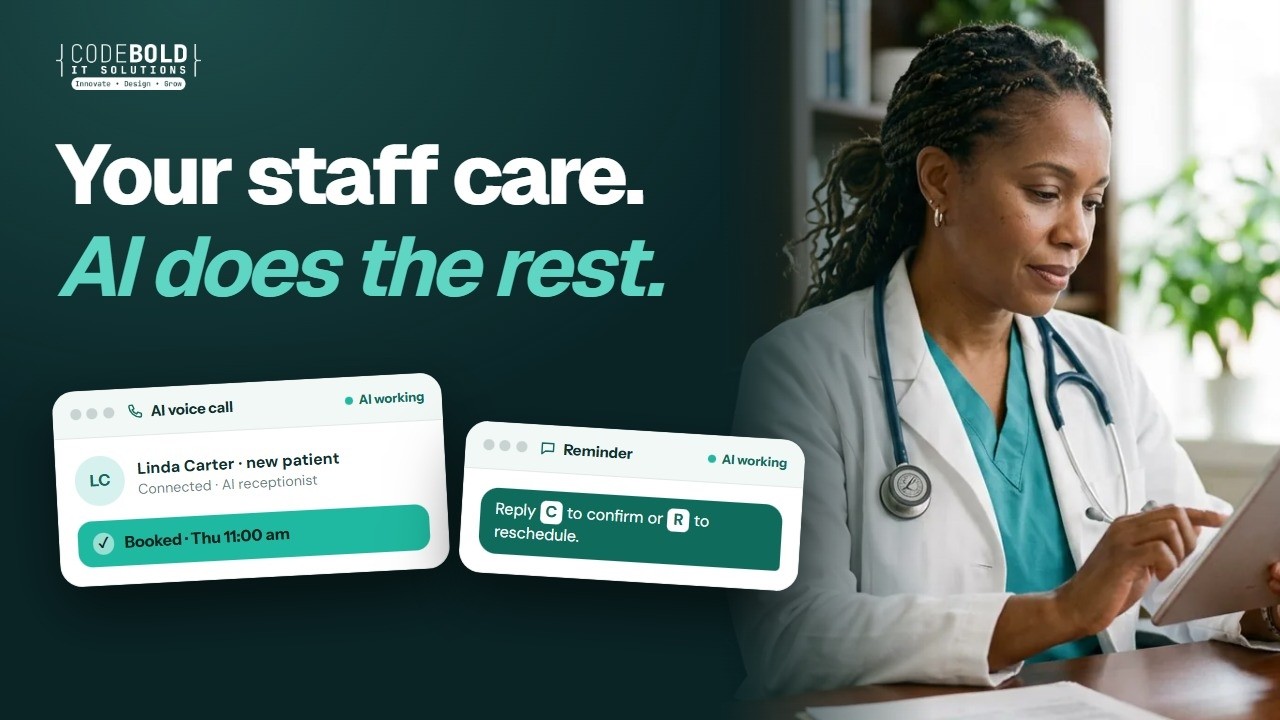
Answers and makes calls in the patient's language, books into the right provider's schedule, and writes the call up for your staff. It says it is an AI, and it never gives medical advice.

The work your front office repeats,
done by AI.
— The flows
The actual chain, end to end. Pick the kind of practice closest to yours. What we build for you will be shaped around how your practice already runs.
Pick your kind of practice 4
Also built for Primary care · Physical therapy · Eye care & optometry · Dermatology · Pediatrics · Urgent care · Fertility clinics · Home health
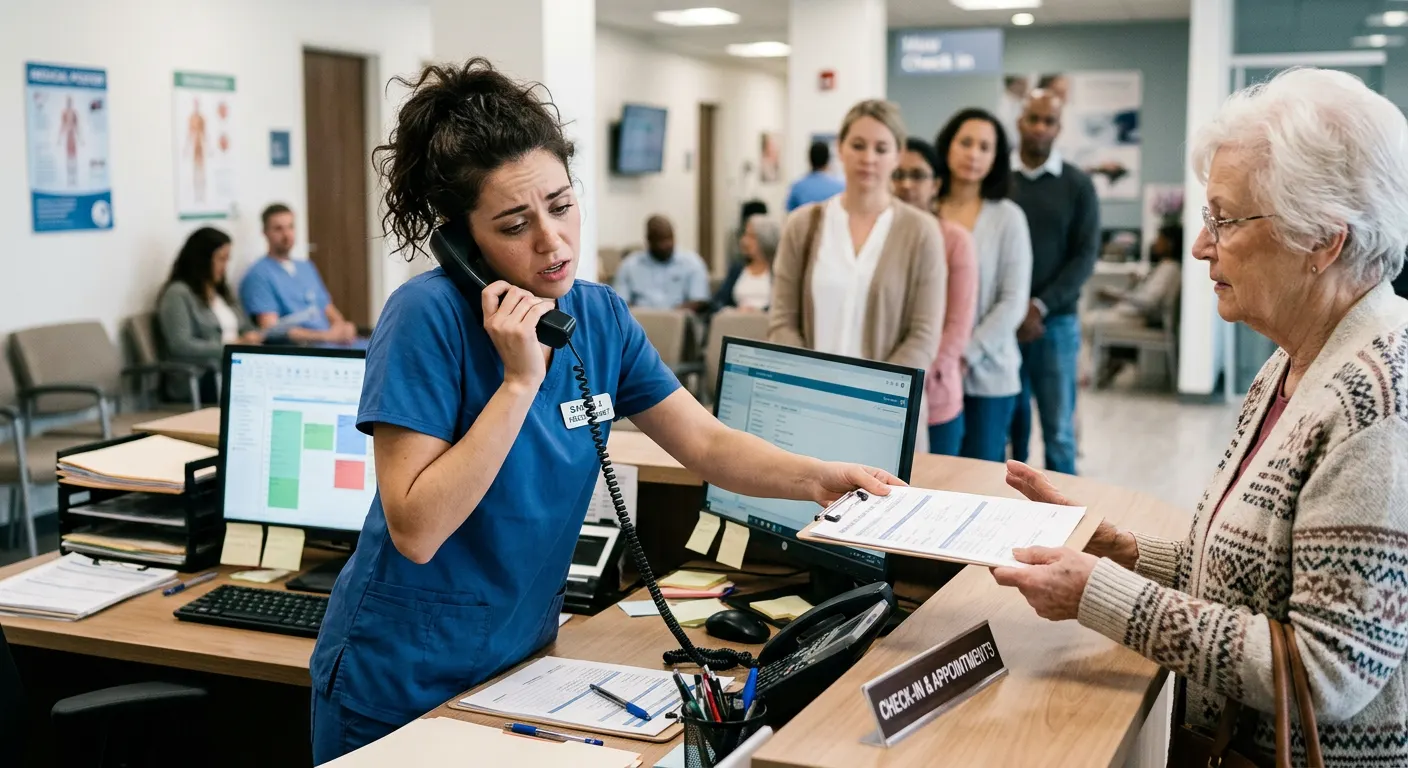
Your schedulers spend the day answering the same questions, re-typing the same details and chasing the same insurance checks. This does the routine part, so they handle the patients who need a person.
Today
With this flow
Rules set by your team
Your team
You decide what counts as urgent. Those calls go straight to a human, and the AI does not try to judge them.
What your team does
This one waits for your team
01:12 ThemHi, I need to see someone about my knee.
AII'm the hospital's AI assistant, I can book that. Have you seen one of our orthopedic doctors before?
ThemNo, this is my first time.
Orthopedics · new patient
AI voice call
After hours, at shift change, or while every scheduler is on another call. It says it is an AI.
What the AI does
Thu 9:00 Dr. Patel · booked Thu 11:00 Linda Carter · new patient Booked Fri 8:30 Open Booked · confirmation texted
Calendar
The first fitting slot in that department's schedule, with the details written onto the record.
What the AI does
Saved to the chart
Browser agent
It logs in to the payer portal or your clearinghouse with your account, and saves the result to the chart.
What the AI does
Hi Linda, this is the orthopedics team. Before Thursday, please fill in your new-patient forms with this secure link. It takes about 5 minutes.✓✓
Done. Do I bring my insurance card?
Yes, and a photo ID. See you Thursday at 11:00.✓✓
Forms in · added to the chart
Text
A secure link to the new-patient forms, so the clipboard in the waiting room goes away.
What the AI does
Reminder: Thursday 11:00 am with Dr. Patel, Orthopedics, 2nd floor. Reply C to confirm or R to reschedule.✓✓
R
No problem. Friday 8:30 am or Monday 2:00 pm?✓✓
Friday
Rescheduled · Thursday's slot reopened
Text
The day before and the morning of. A reschedule frees the slot in time for someone else.
What the AI does
The result
An after-hours call becomes an appointment in the right department's schedule.
ThemI need to see someone about my father's knee. He's seventy-one.
AII'm the hospital's AI assistant. That's orthopedics. Dr. Patel has Thursday at 11:00 am, or Saturday morning.
ThemThursday. Is it the same building as the lab?
AIYes, second floor. I'll text you the details now.
Orthopedics · Thu 11:00 am · Dr. Patel · details texted
And it keeps running
Every evening: what was booked, what was rescheduled, which coverage checks need a person, and which calls your team took.
Your own process
Tell us what your team repeats every week. We'll map it and come back to you within one working day. The map is free, and it's yours either way.
A dental practice runs on patients coming back. Recalls, unfinished treatment and last-minute gaps are all phone work your front desk never has time for.
Today
With this flow
01:12 ThemHi, I chipped a tooth and it's sore.
AII'm the practice's AI assistant, I'm sorry to hear that. I can book tomorrow's first emergency slot, or put you through to the team.
ThemThe slot is fine.
Emergency slot booked · team told
AI voice call
Lunch, evenings, and the hours your team is chairside. It books, or puts the caller through to a person.
What the AI does
Saved to the chart
Browser agent
Before the visit, on the insurer's portal with your login, so the cost talk is not a surprise.
What the AI does
Hi James, Dr. Shah's plan has one visit left: the crown on your lower left molar. Want me to find a time?✓✓
How much will my part be?
The front desk will confirm that with your insurance. Should they call you today?✓✓
Yes please
Callback task for the front desk
Text
Three visits agreed, one done. It follows up until the next one is booked or the patient says no.
What the AI does
Called back by Rosa
Your team
Costs, payment plans and anything clinical stay with people. The flow only lines the calls up.
What your team does
This one waits for your team
Slot filled · Tue 9:00 am
Text
Offered to your short-notice list in order. The first to say yes takes it.
What the AI does
Thu 5:30 Ana R. · confirmed Thu 6:00 Meera K. · recall booked Booked Thu 6:30 Open Recall booked · reminders set
Text
Every patient who is due, every day. Text first, a short AI call only if they ask for one.
What the AI does
The result
The six-month recall nobody had time to call about.
Hi Meera, it's been six months since your last cleaning with us. Want me to find you a time?10:02 am
Yes please, something after 5?10:14 am
Tuesday 5:30 or Thursday 6:00 with Dr. Shah.10:14 am
Thursday10:16 am
Booked: Thursday 6:00 pm. We'll remind you the day before.10:16 am
Recall booked · Thu 6:00 pm · Dr. Shah
And it keeps running
Every morning: who is due for a recall, which treatment plans are open, and what was booked or filled yesterday.
Your own process
Tell us what your team repeats every week. We'll map it and come back to you within one working day. The map is free, and it's yours either way.
Two questions, all day long: how much is this test, and is my result ready. Add patients who arrive without fasting or without an order, and the day is gone.
Today
With this flow
01:12 ThemHow much is a lipid panel without insurance? Do I need to fast?
AII'm the lab's AI assistant. From our price list it's $35 self-pay, and the prep is 9 to 12 hours of fasting, water is fine. Want a time?
ThemYes, early Monday.
Answered from your price list
AI voice call
Price, timing and preparation, read from your own list, word for word.
What the AI does
Ready for the visit
Browser agent
Before the patient comes in: is the order here, is the plan active, is an authorization needed.
What the AI does
Mon 7:30 Walk-in draws Mon 8:00 David Miller · fasting draw Booked Mon 8:30 Open Booked · prep sent by text
Calendar
Into the draw schedule, the home-draw route or the scanner's own schedule.
What the AI does
Hi David, reminder for your 8:00 am blood draw tomorrow. Please don't eat after 8 pm tonight, water is fine. Bring your ID and insurance card.✓✓
Got it. Can I take my morning pills?
I can't advise on medication. I've asked the lab team to text you back.✓✓
Question passed to the lab team
Text
What to do and what to bring, the evening before. Questions about medicine go to your team.
What the AI does
Released by your team
Your team
Results go out under your release rules. The AI never decides that, and never explains a result.
What your team does
This one waits for your team
Hi David, your results are ready in the patient portal. Your doctor's office will contact you about next steps.✓✓
Your doctor asked for a repeat test in 3 months. Want a reminder in February?✓✓
Yes please
Portal notice sent · repeat reminder set
Text
A text that the result is in the portal, then a reminder when the repeat test is due.
What the AI does
The result
Nothing is released until your team's release rules say so.
Good morning David, your results are ready in the patient portal.8:31 am
Thanks. Do I need to repeat this one?8:40 am
Your doctor's note says in three months. Want a reminder in February?8:40 am
Please8:41 am
Portal notice sent · repeat reminder set
And it keeps running
Every morning: tests booked, prep sent, results waiting on release, and repeat tests coming due.
Your own process
Tell us what your team repeats every week. We'll map it and come back to you within one working day. The map is free, and it's yours either way.
Dermatology, eye care, physical therapy, pediatrics: one or two providers and a front desk that cannot answer the phone and check a patient in at the same time.
Today
With this flow
01:12 ThemHi, I'd like to book a skin check with Dr. Rao.
AII'm the clinic's AI assistant. Dr. Rao has Tuesday at 10:30 or Wednesday at 4:00. Which works?
ThemTuesday.
Booked · Tue 10:30 am
AI voice call
After hours, at lunch, or while the front desk is with a patient. It says it is an AI.
What the AI does
Hi Emily, you're booked with Dr. Rao on Tuesday at 10:30 am. Please complete your forms with this secure link before you come.✓✓
All done!
Thank you. See you Tuesday.✓✓
Forms in · on the chart
Text
A secure link to your intake forms, so the patient arrives ready and the clipboard stays in the drawer.
What the AI does
Front desk sees it before check-in
Browser agent
On the payer portal with your login, the day before, so check-in takes a minute.
What the AI does
Reminder: Tuesday 10:30 am with Dr. Rao. Reply C to confirm or R to reschedule.✓✓
C
Thanks Emily, see you Tuesday.✓✓
Confirmed
Text
The day before and the morning of. One letter confirms or starts a reschedule.
What the AI does
Gap filled · Tue 9:30 am
Text
Offered to the patients who asked for an earlier time. First to say yes takes it.
What the AI does
Clinical questions go to people
Your team
Symptoms, refills and test questions are passed to the right person, never answered by the AI.
What your team does
This one waits for your team
The result
The call that would have gone to voicemail becomes an appointment.
ThemHi, I wanted to book with Dr. Rao.
AIOf course. I'm the clinic's AI assistant. Dr. Rao has Tuesday at 10:30 am or Wednesday at 4:00 pm.
ThemTuesday is better.
AIBooked. You'll get a confirmation by text and a reminder the day before.
Appointment booked · Tue 10:30 am · Dr. Rao
And it keeps running
Every evening: what was booked, what was confirmed, which gaps were filled, and what needs a person tomorrow.
Your own process
Tell us what your team repeats every week. We'll map it and come back to you within one working day. The map is free, and it's yours either way.
— More than the front desk
We build or rebuild your clinic website so Google and AI assistants like ChatGPT can find and read it.
Free Your new home page, designed first. Need a new website or a redesign? We'll design your home page for free. If you like it, we carry on.
Do it yourself, in plain words. Type the change the way you'd say it, check it, preview it and publish. No developer, no waiting.
Your schedule, reminders and approvals in an app for Android and iPhone.
A slow page can lose a patient before they call. We find what's slowing it and fix it.
Tell us how your practice runs. We'll point you to the one that helps most, or tell you it's fine as it is.
— What it plugs into
A flow is only useful if it reaches the tools your team lives in. Where a product offers a connection, we use it. Where it doesn’t, the browser agent signs in and does the clicking, the same way your team does.
…and the ones that aren’t here. If a tool offers no connection at all, the browser agent signs in with your account and works it the way a person would, which is how payer portals, lab systems and older practice software get covered. Tell us what you run on the call.
— The building blocks
Every flow on this page is assembled from these. Yours will use some of them, in an order nobody else has.
Answers and makes calls in the patient's language, books into the right provider's schedule, and writes the call up for your staff. It says it is an AI, and it never gives medical advice.
Insurance portals, clearinghouses, lab systems and older practice software: it logs in with your own account and does the clicking where there is nothing to connect to.
— Why build it this way
| Doing it by hand | Your practice software | A CodeBold flow | |
|---|---|---|---|
| Answers the phone after hours | No Voicemail | No | Yes Any hour |
| Books the right provider and visit type | Yes If someone is free | Someone must type it | Yes On the call |
| Checks insurance before the visit | At check-in | By hand, if at all | Yes The day before |
| Gets intake forms done before arrival | No Clipboard in the lobby | A portal link, if set up | Yes Texted and chased |
| Reminds by text, and rebooks | When there is time | If configured | Yes Every time |
| Fills a slot that just cancelled | Phone round | No | Yes Texts the waitlist |
| Runs recalls | Rarely | A list to work through | Yes Every day |
| Waits for your team on anything clinical | Yes | Varies | Yes Built in |
| Tells you when a step fails | No The patient tells you | If configured | Yes Alerts a person |
The first two are fine for a step. A process that spans a browser, a phone call and a calendar needs something that can carry it all the way through.
— What it costs
Four parts, each agreed before it starts. Nothing is billed by the hour, and your whole team can use it at no extra cost per person.
A 30-minute call about how your practice runs, from the first call to the recall. Then a written plan, yours to keep even if you say no.
One fixed price for the flows you approved, agreed before work starts. No patient hears from it until you sign it off.
Hosting, daily checks, an alert when a step fails, fixes, and changes when your schedule or your software changes.
Charged by the phone company and passed on with no markup, on their own line.
What sets the build price
Calls and texts are billed by the phone company and shown on their own line of your quote, at cost.
— Trust & responsible AI
On every call and every text. We will not build one that pretends to be a person.
It books, reminds and confirms. It does not triage, advise or explain a result.
You define what urgent means. Those calls are handed over, not assessed.
Patients hear your practice. Never ours, never a vendor's.
Texts go only to patients who gave you their number and agreed, in the hours you set. STOP always works.
Any step can need approval, and every call and message is logged.
— Questions doctors ask
Yes. It introduces itself as your practice's AI assistant at the start of every call and text conversation. That is honest, and some states now require it.
No, and we will not build one that does. It books appointments, sends reminders and intake forms, and tells patients when a result your team released is in the portal. Anything clinical, like symptoms, medication or a question about a result, is written up and handed to your team.
It goes to a person immediately. You tell us in plain words what counts as urgent at your practice, and the assistant never tries to judge how serious it is.
Yes, patients who gave you their number and agreed to texts: confirmations, reminders, intake links and recall messages, in the hours you set. STOP is honoured straight away. Results themselves are never sent by text; it only says a result is ready in your patient portal.
Yes. Before the visit, the browser agent logs in to the payer portal or your clearinghouse with your own account, checks the plan is active and what the visit costs the patient, and saves it to the record. Anything that needs a referral or prior authorization is flagged to your team.
There is no official HIPAA certification, and we will not imply one. Patient details stay in the systems you already use, in a workspace of your own, and we do not reuse or sell anything that passes through it. Bring your compliance policy to the mapping call; if you need a Business Associate Agreement, we will tell you honestly whether we can sign one before any work starts.
It works with your calendar and email, imports Excel and CSV, and connects to your EHR or practice management software wherever it allows a connection. Where there is nothing to connect to, the browser agent logs in with your account and does the clicking.
There is no fixed plan, because every practice runs differently. The mapping call and written plan are free, building it is one fixed price agreed before work starts, running it is a monthly fee, and calls and texts are passed through at cost. You have the full figure before you sign.
You do. The flow, the rules, the call scripts and the data are yours, and they stay in your own workspace.
— The AI behind it
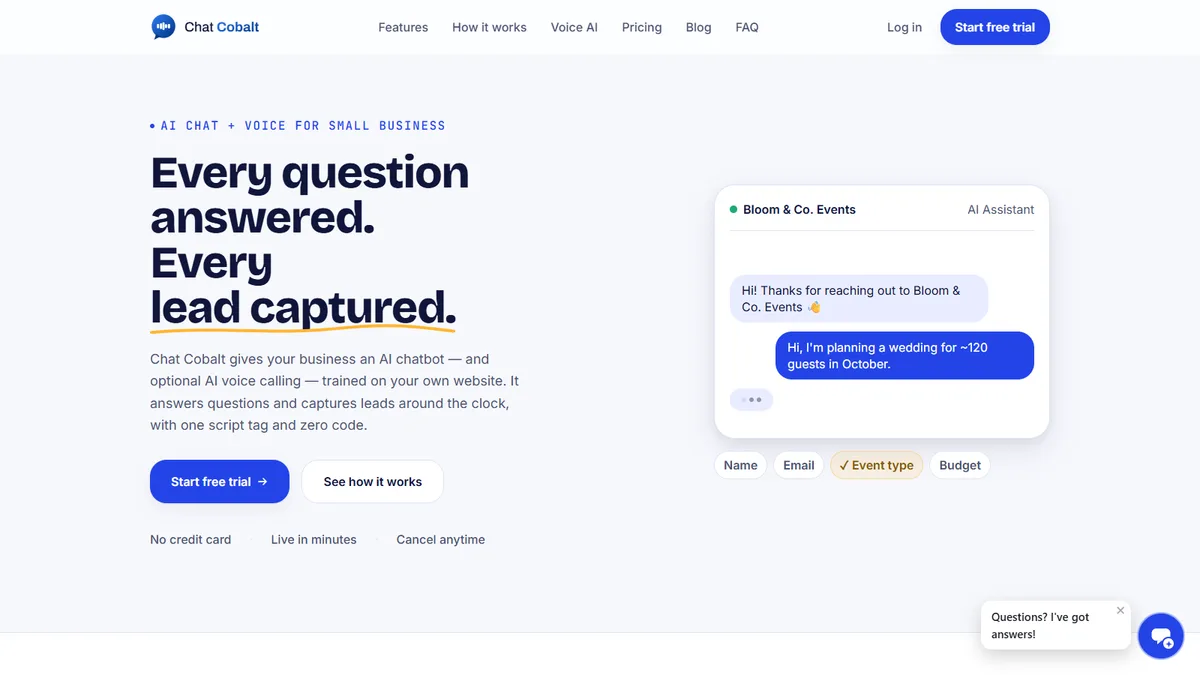
Chat Cobalt is Codebold's own AI chat and voice product. It answers your website chat and your phone, trained on your practice's own website, and hands the flows on this page what they need: the booking, the reminder, the follow-up.
We run Chat Cobalt on our own business every day.
— Let's talk
One free call. We'll map it with you and tell you honestly whether it's worth automating.
Or call us (US): +1 (986) 668-2483 Our AI receptionist answers, day and night. Hear it for yourself.
Working with clients internationally, since 2013.
Tell us about your project and we will get back to you within 24 hours.